On the App Store

Place the idea on the pegboard

Fuse Beads is a fully offline iPhone studio for fuse-bead patterns. Choose a photo or a built-in design, generate an editable pattern on this phone, prepare beads, and finish color by color.

No account iOS 17 or later Free, no in-app purchases

What this app is

Fuse Beads: Pattern Maker is an iPhone app from Shanghai Qishan Cultural Communication Co., Ltd. The Chinese name is 拼豆时光. Apple ID 6799906107. Bundle ID com.weizhichao.beadday. It turns a photo from Photos, the camera, or Files into a pattern you can place on a physical pegboard, and it includes 24 original presets. Generation, editing, material counts, guided making, and backups stay on the device. The app does not collect data, does not contact a developer server, and includes no ads or analytics SDK.

A pattern you can iron

You pick board size, color limit, and a Perler, Hama, or Artkal reference palette. Matching happens on the device with perceptual color difference and edge care. Then you edit bead by bead, check counts, and mark progress by color.

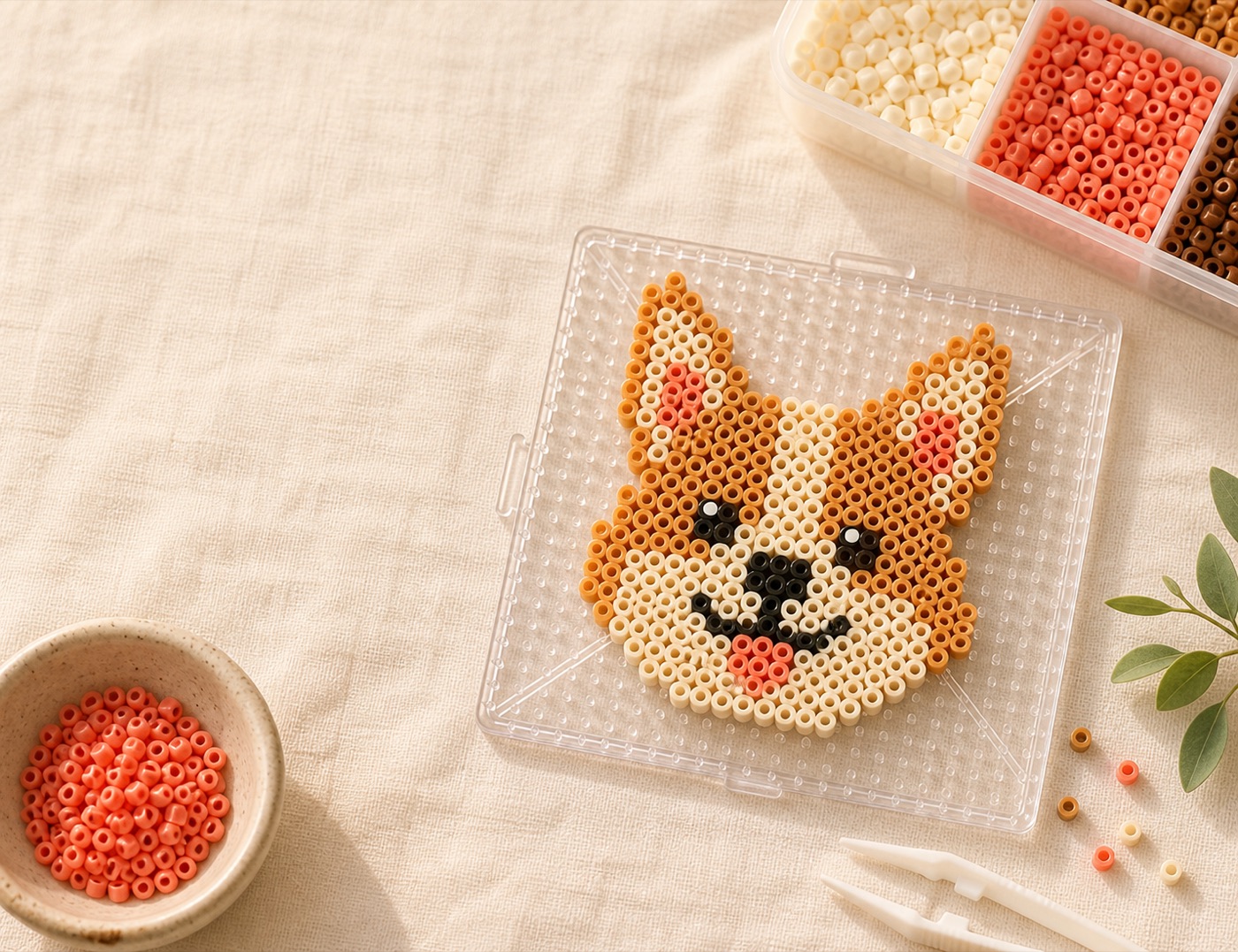
A corgi fuse-bead board, tweezers, a bowl of beads, and a sorted tray on linen

From one picture to one board

Start from a photo or a preset

Use the system photo picker, camera, or Files, or begin with 24 original presets. Square crop supports zoom and offset. Smart background removal stays off until you enable it. Apple Vision then protects the subject on the device.
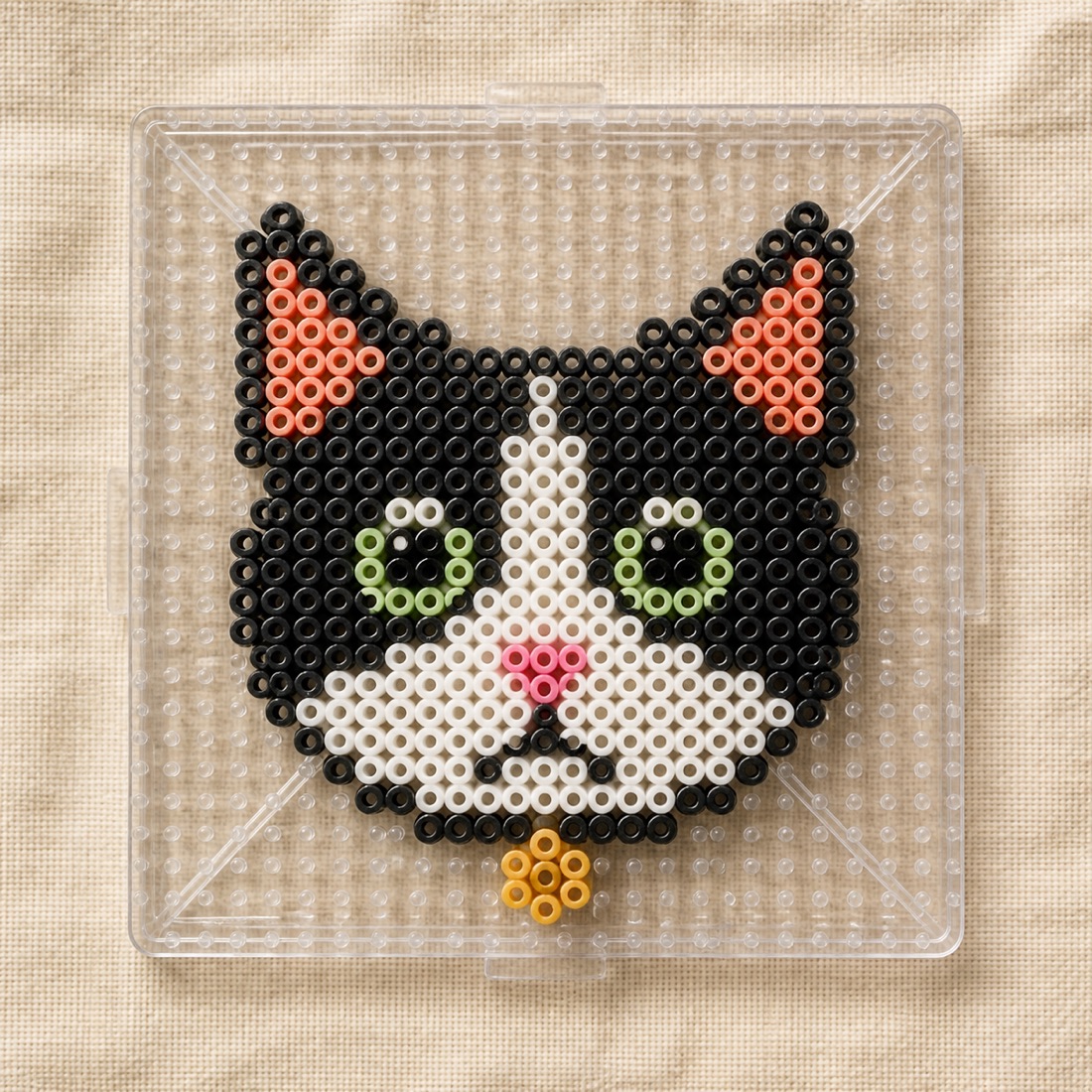
A cat bead pattern being edited bead by bead

Edit until it is makeable

Tap to recolor, erase empty cells, undo up to 30 steps, and jump by row and column. The material list covers counts, ready checkmarks, pack estimates, and a copyable shopping list.

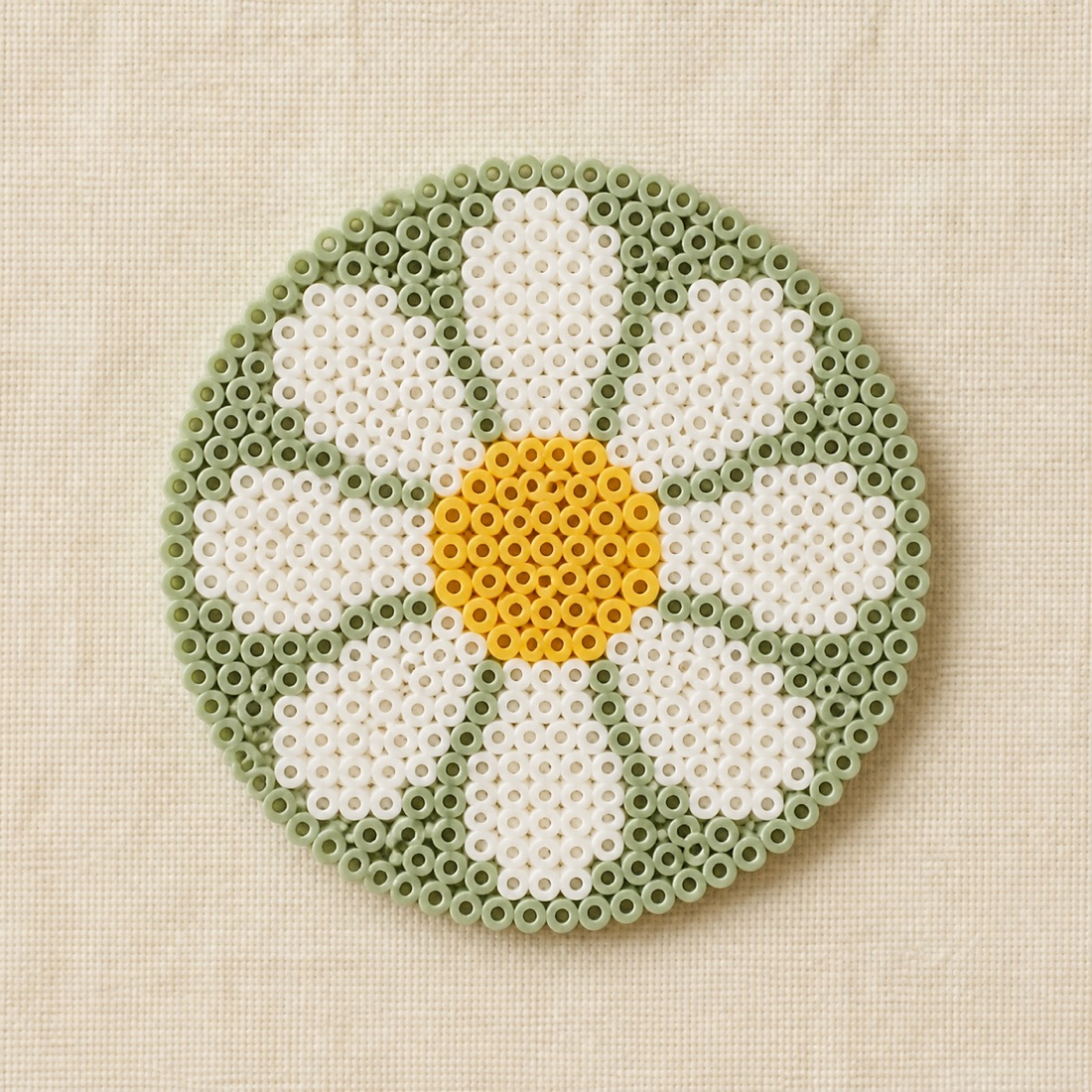
A daisy pattern used for guided making

Follow by color, then export

Highlight one color, check off beads, and see overall progress plus the next color. Export PNG or PDF with coordinates. Large boards split into 20×20 section pages. A finished photo can stay on the local project.

Sizes that match physical boards

The usual starting point is 40×40 with 16 colors. Small charms fit 15×15 or 21×21. Rectangles and custom sizes keep the crop frame matched to the board.

Boards
15, 21, 29, 40, 58, plus custom
Color limit
8, 12, 16, or 24 colors
Built-in patterns
24 original designs
Languages
13 locales, including Arabic RTL
Export
PNG and PDF with coordinates

Color codes are on-screen references

Perler common names, Hama Midi numbers, and Artkal S-5mm numbers help you pick a compatible approximate palette. Those trademarks belong to their owners. This app is not affiliated with, sponsored by, or officially authorized by those brands. Check a current physical chart before buying in quantity.

Perler common names White, Hot Coral, Toothpaste

Hama Midi numbers 01, 05, 26, 45

Artkal S-5mm numbers S-5mm

The interface follows you

UI, permission text, and legal copy follow the system language, or a language you lock in Settings. Arabic uses a right-to-left layout. This website uses a separate address for each language so search engines and assistants can cite the right page.

简体中文English繁體中文日本語한국어EspañolFrançaisDeutschPortuguês (Brasil)ItalianoРусскийالعربيةहिन्दी

It stays on this phone

Nothing collected
No accounts, ads, third-party analytics SDKs, or tracking. The app does not upload photos or projects to a developer server.
On-device work
Quantization, background removal, previews, and backups live in the app container. Uninstalling deletes local patterns, so export a backup in Settings first.
You choose what leaves
Files leave the app only when you save a PNG to Photos or pick a destination in the system share sheet.

Start the first board at the table

Free on the App Store now. No sign-in. Open the app and turn a photo into a makeable pattern.

Download on the App Store