
CHORD CARDS · GUITAR & UKULELE
Save and Share Guitar or Ukulele Chord Diagrams
A useful voicing should be easy to keep, teach and send. GuitarTool turns the exact chord on screen into a clean image card without adding an account or upload step.
Core tools free and offline · no ads · opens the chord product page
- Preview before sharing
- Save to Photos
- No account or upload
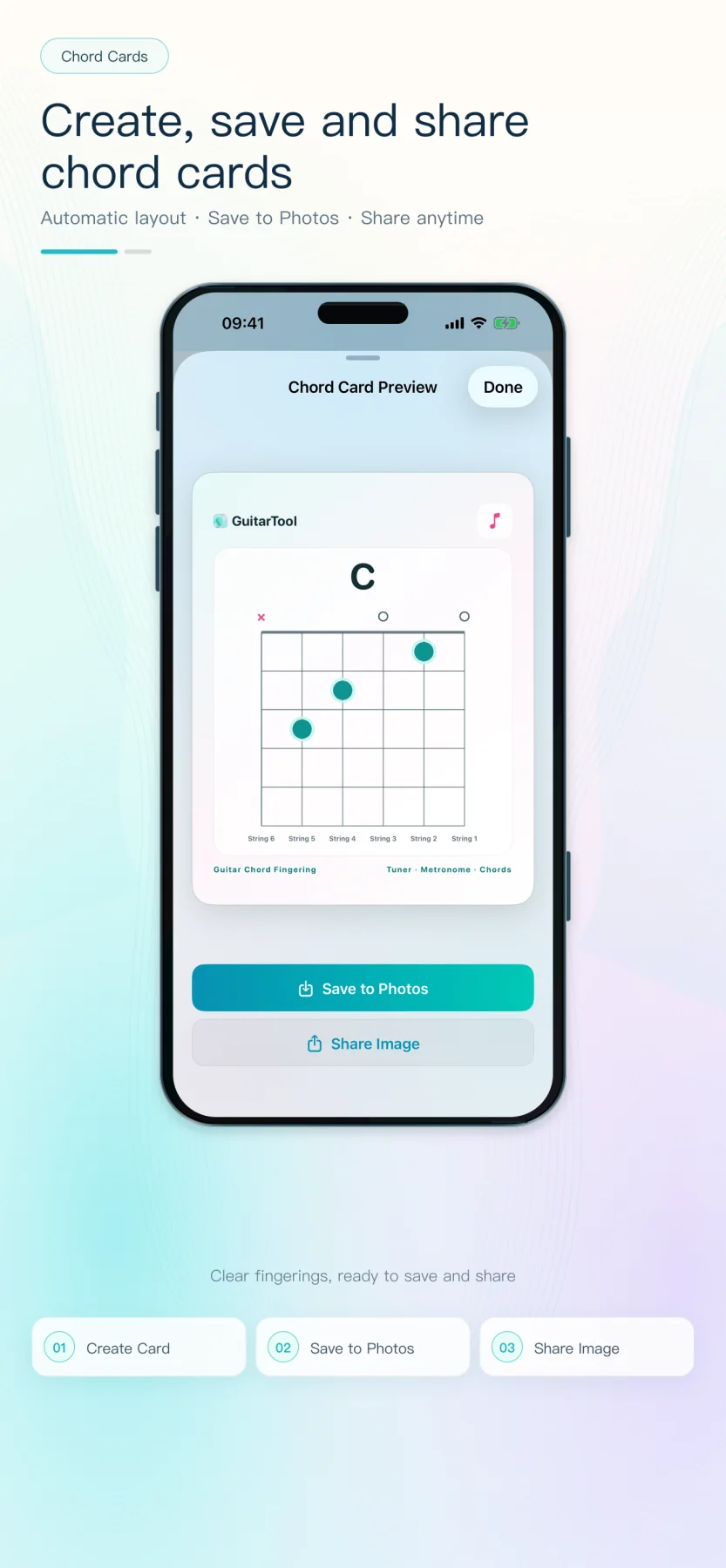
Share the voicing you are actually using
Choose a guitar or ukulele chord, move to the position you want and open the chord-card preview. The exported image follows the visible strings, muted notes, fretted notes and five-fret window, including a clear starting-fret label for higher positions.
- Guitar and ukulele layouts
- Open and higher-position voicings
- The same fret-window logic as the app
Useful for lessons without becoming an ad
Save the card to Photos for a practice folder, or send the image through the iOS share sheet to a student, teacher, bandmate or friend. The recipient can read and keep the diagram without installing GuitarTool, and the image contains no forced download link.
- Preview before the final action
- Native Photos and system sharing
- Localized card labels in 13 languages
One app for the full practice flow
Tune first. Keep time. Find the next chord.
Download GuitarTool free↗FAQ
Common questions
01Does the shared image include an App Store link?+
No. GuitarTool shares the chord image itself, so the recipient can use it without being pushed to a download page.
02Can I share a higher-position chord?+
Yes. The card keeps the correct five-fret window and shows the starting fret beside the diagram.
03Does saving a chord card require an account?+
No. The preview, Photos save and system share flow run on your device without a GuitarTool account.