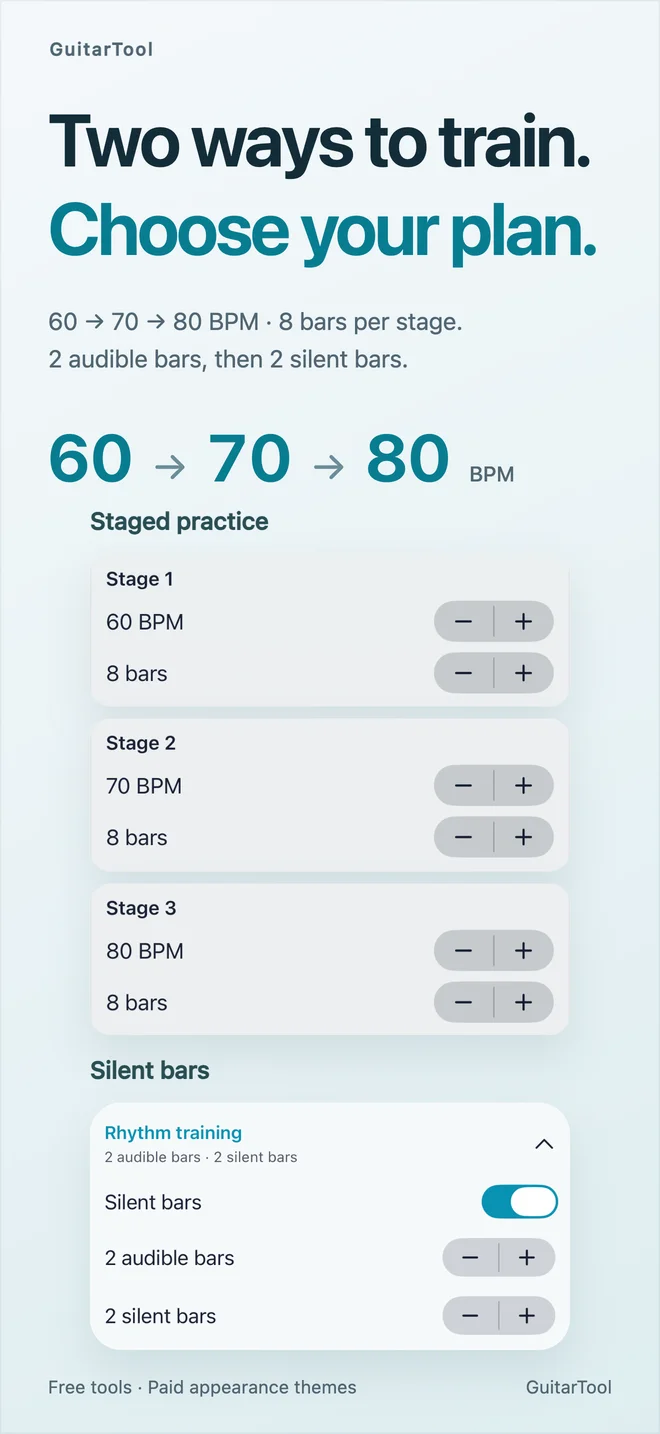
1.1.2 rhythm training · English
WebP · real App Store preview · 1.1.2
Download original ↓ GuitarTool
OFFICIAL PRESS KIT · UPDATED OCTOBER 2026
Verified product facts, downloadable visual assets and direct links for journalists, educators, reviewers and creators.
ONE-SENTENCE DESCRIPTION
AVAILABLE NOW · VERSION 1.1.3
Released October 11, 2026 at 01:56:36 China time (October 10 at 17:56:36 UTC), independently verified in Apple’s China storefront and US storefront. On iPhone and iPad, open Metronome → Settings → Metronome Sound → Voice. Bundled Chinese counting previews at the current BPM and restarts each bar; subdivisions use light clicks. It is Chinese audio in every interface language and needs neither a microphone nor a connection. Watch and browser metronomes do not include this voice option.
The release fixes BPM confirmation and cancellation, preset target-tempo synchronization and progressive-tempo recovery after audio interruptions. It improves training and subdivision layouts with large text and practice-timer stability. iOS 27+ adds an extra-large portrait metronome widget where the system offers it for the device and available space. The core tools, four free looks and seven existing separately purchased themes remain available. Voice-counting guide · BPM and widget guide.
The current App Store listing reuses 1.1.2 screenshots. Downloadable images retain their original version labels; they do not illustrate the new voice controls or extra-large portrait widget.
INTRODUCED IN VERSION 1.1.2
Released October 7, 2026. On iPhone and iPad, Presets → Rhythm Training alternates audible and silent bars and supports up to six tempo stages: 20–500 BPM and 1–64 bars per stage. Save the configuration as a custom preset. Manual tempo changes or TAP exit staged training; with looping off, the last tempo continues.
Jade Resonance is the seventh complete theme, available to preview before a separate one-time purchase. Four basic looks and all practice tools remain free. The release improves stopping playback, audio interruptions, device changes, large text and right-to-left layouts. Silent-bar guide · Tempo-stage guide.
INTRODUCED IN VERSION 1.1.1
GuitarTool 1.1.1 adds an Apple Watch tuner with guitar, ukulele, bass and chromatic modes, note and cents feedback, and an in-tune haptic cue. Listening begins only after Start Tuning and ends when stopped, when the page changes or when the app is left; audio stays on the watch. The iPhone and iPad tuner now tracks notes more steadily and holds the last reading for about three seconds after the note ends.
During active metronome playback or tuning, the phone screen stays awake by default, with a Personalization setting that allows sleep. The large Home Screen widget gains beat, eighth, triplet, sixteenth and Swing choices that sync with the app. This release also addresses silent widget startup and audio-session reliability. Read the Watch tuner guide.
INTRODUCED IN VERSION 1.1.0
Version 1.1.0 includes Morning Mist Studio, Lunar Radio, Paper Ensemble, Pocket Synth, Vinyl Afterhours and Luthier Atlas as separately purchasable themes in the Theme Gallery. Each complete design reaches across the tuner, metronome, chord library and share cards, and every supported page can be previewed before selection.
The six complete themes are bundled with the app but still require separate App Store purchases. Purchased themes work offline without an asset download. The four original basic looks remain visible and free.
INTRODUCED IN VERSION 1.0.8
On compatible iPhones, Flash Beat can cue every main beat or accents only with the rear flash at three intensity levels. It follows main beats rather than subdivisions, carries into custom practice presets, and turns off automatically when playback stops, the screen is left or the app enters the background. It never captures images. A first-use notice explains strobe sensitivity, battery use and heat.
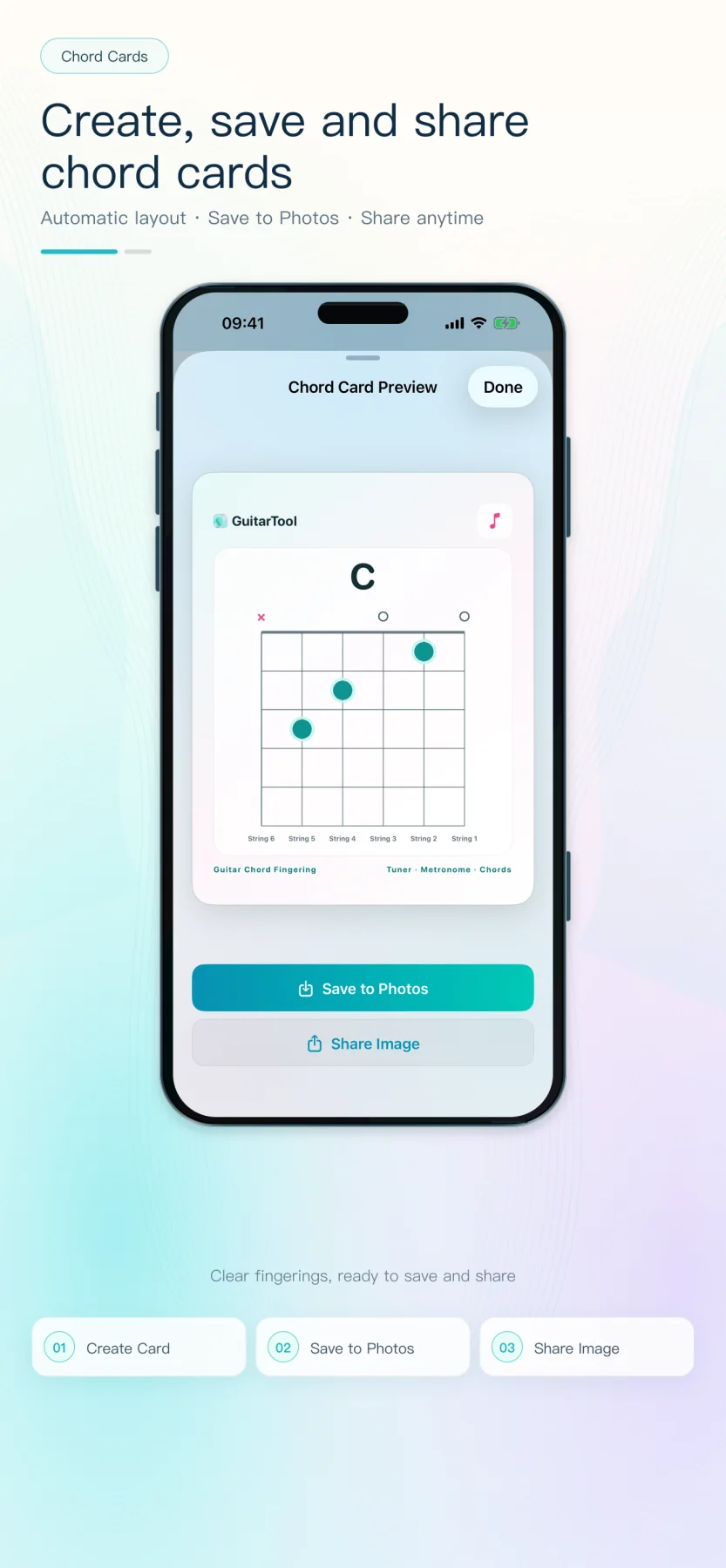
Version 1.0.8 also reorganises metronome settings and presets, strengthens tuner feedback and confirmation-tone reliability, improves app/widget/Watch synchronisation and background audio, refines Apple Watch layouts, and applies safer full-screen backgrounds plus accessibility and localisation fixes. Shareable chord cards remain part of the current product.
PRODUCT STORY
GuitarTool was created around a simple observation: the tools used before and during practice should not become another source of interruption. Tuning, timekeeping and chord lookup belong in one dependable flow, without advertising, feeds or a login wall.
Core tools work offline and the app contains no third-party analytics SDKs. Microphone audio is used only for live pitch analysis on the device; it is not saved or uploaded. The four basic looks are free. Artwork for the seven paid themes is bundled, so purchased themes work offline. The app does not collect usage analytics.
DOWNLOADABLE ASSETS
Assets may be used in editorial coverage of GuitarTool. Please do not alter the app icon or imply an endorsement.
WebP · real App Store preview · 1.1.2
Download original ↓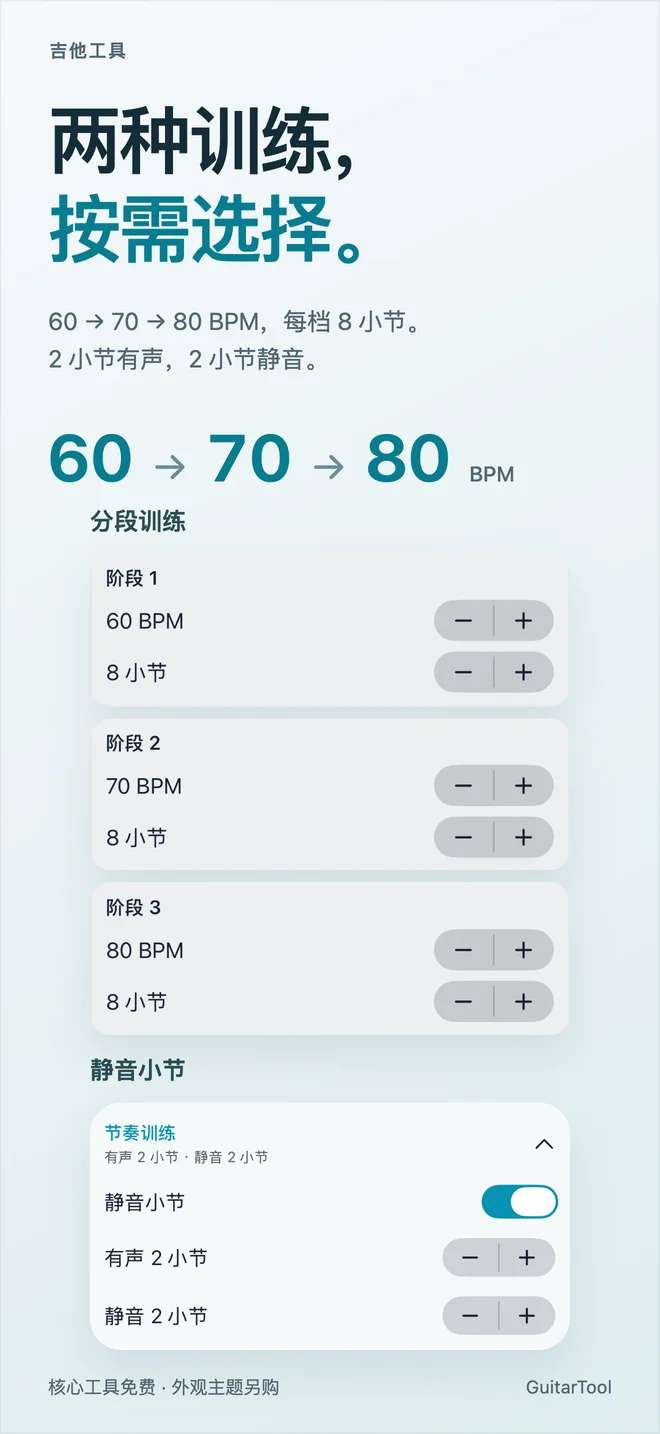
WebP · real App Store preview · 1.1.2
Download original ↓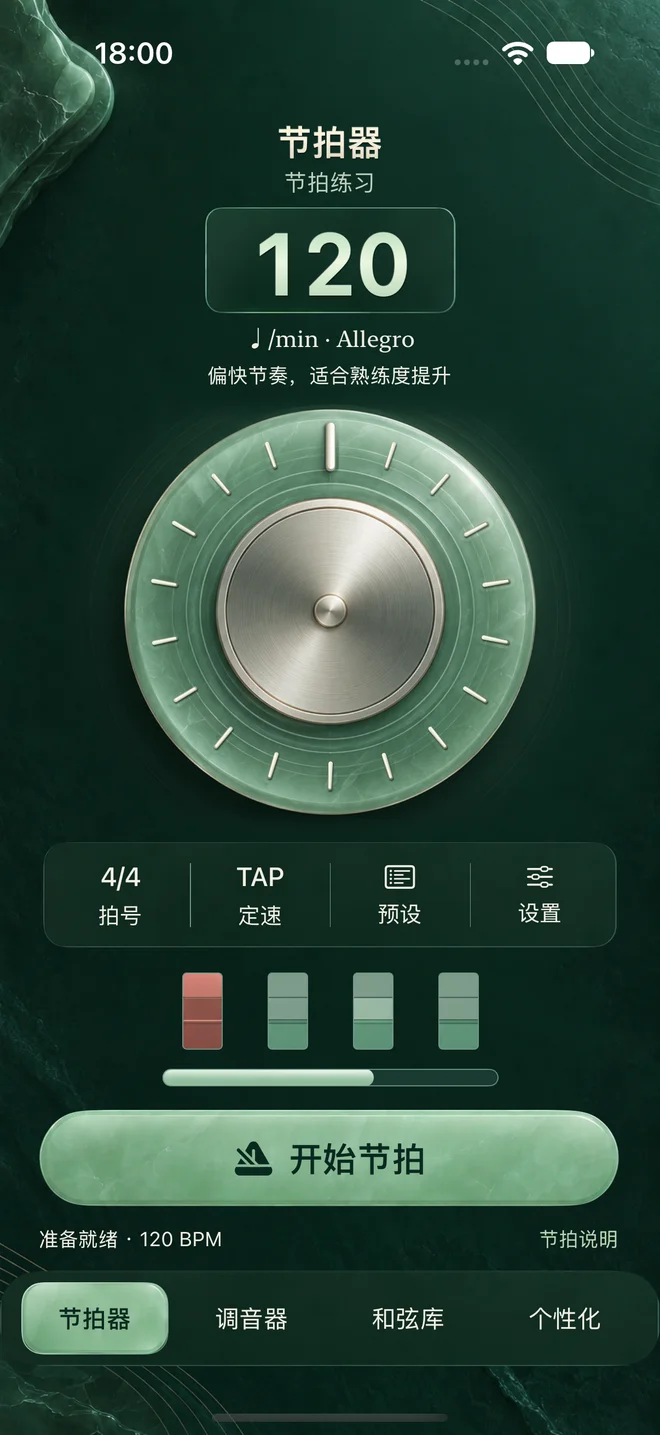
WebP · real native metronome · introduced in 1.1.2
Download original ↓
PNG · square icon
Download original ↓
PNG · 1200 × 630
Download original ↓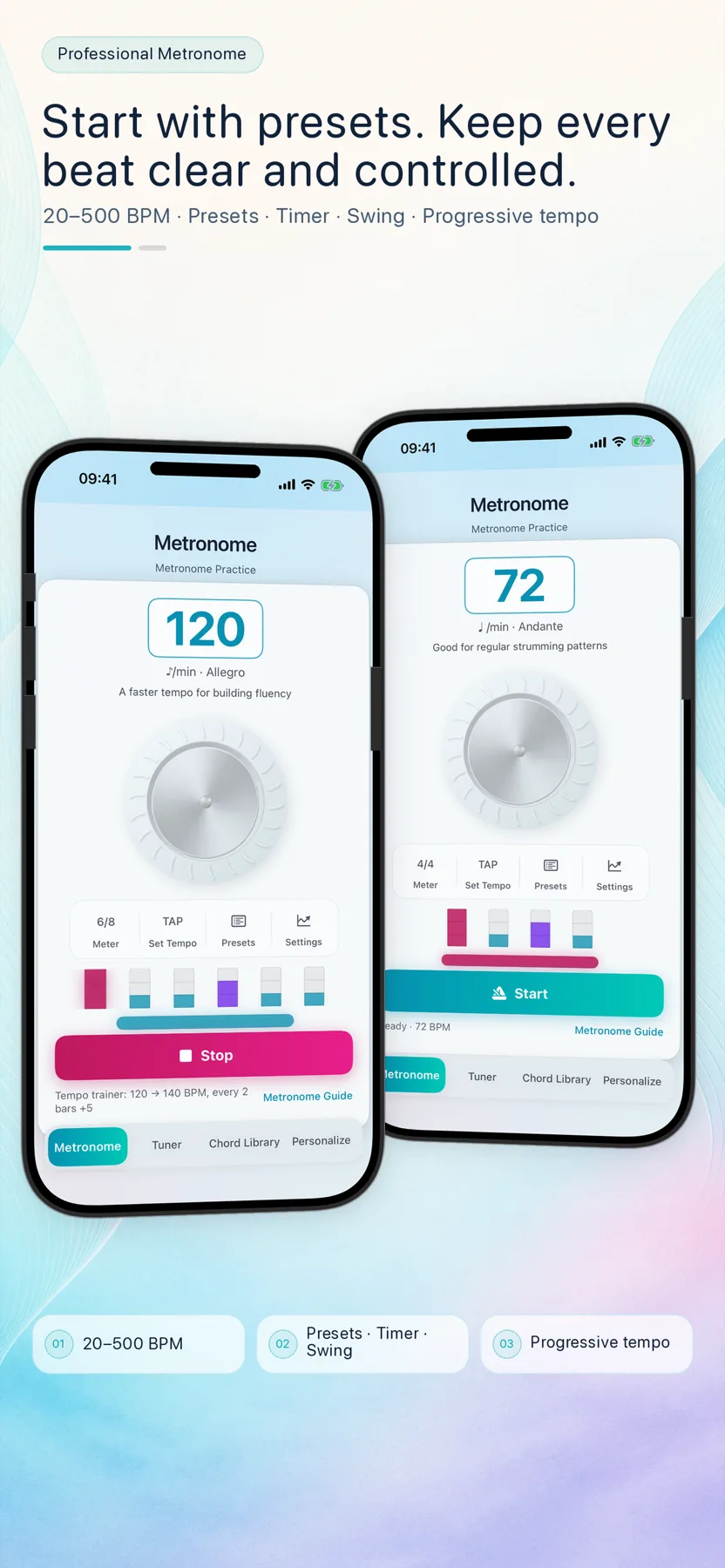
WebP · English UI
Download original ↓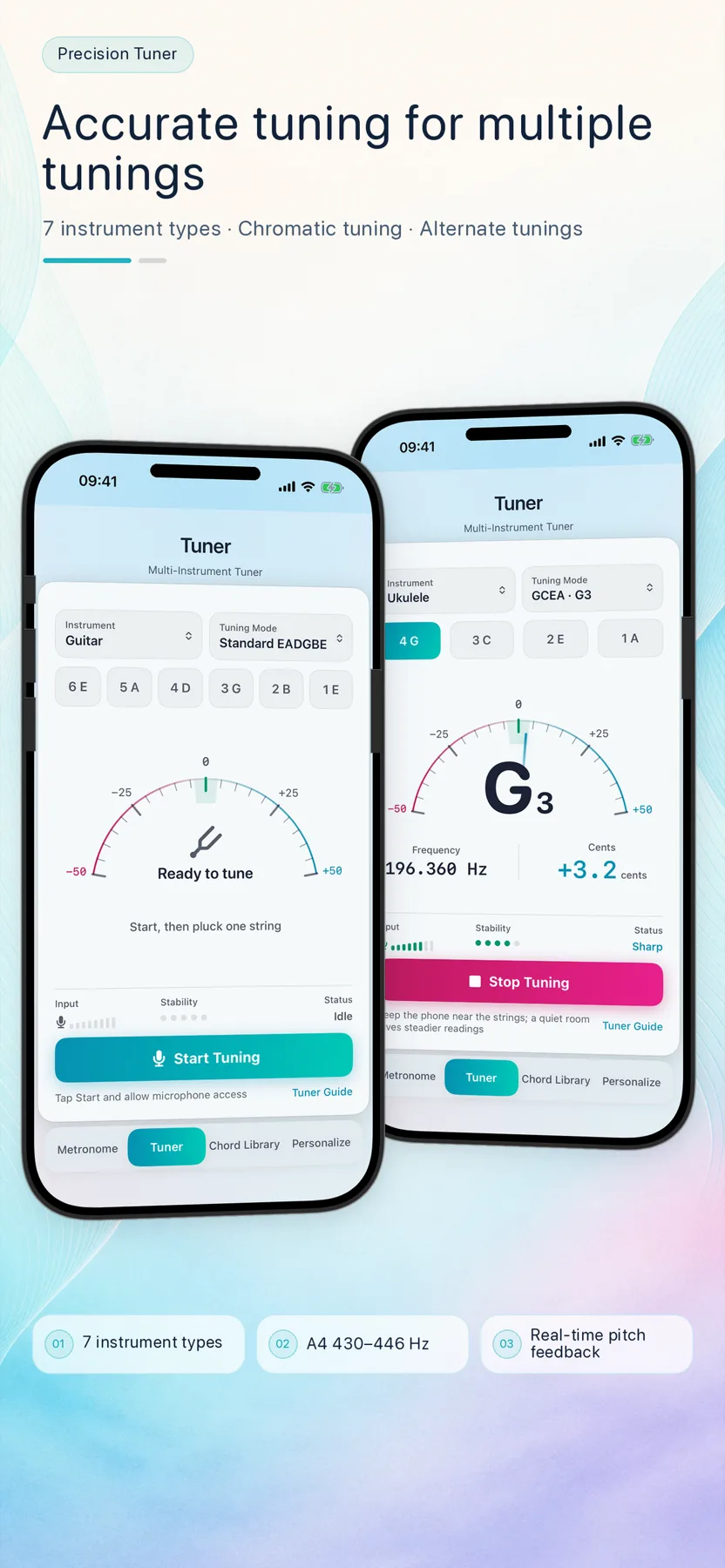
WebP · English UI
Download original ↓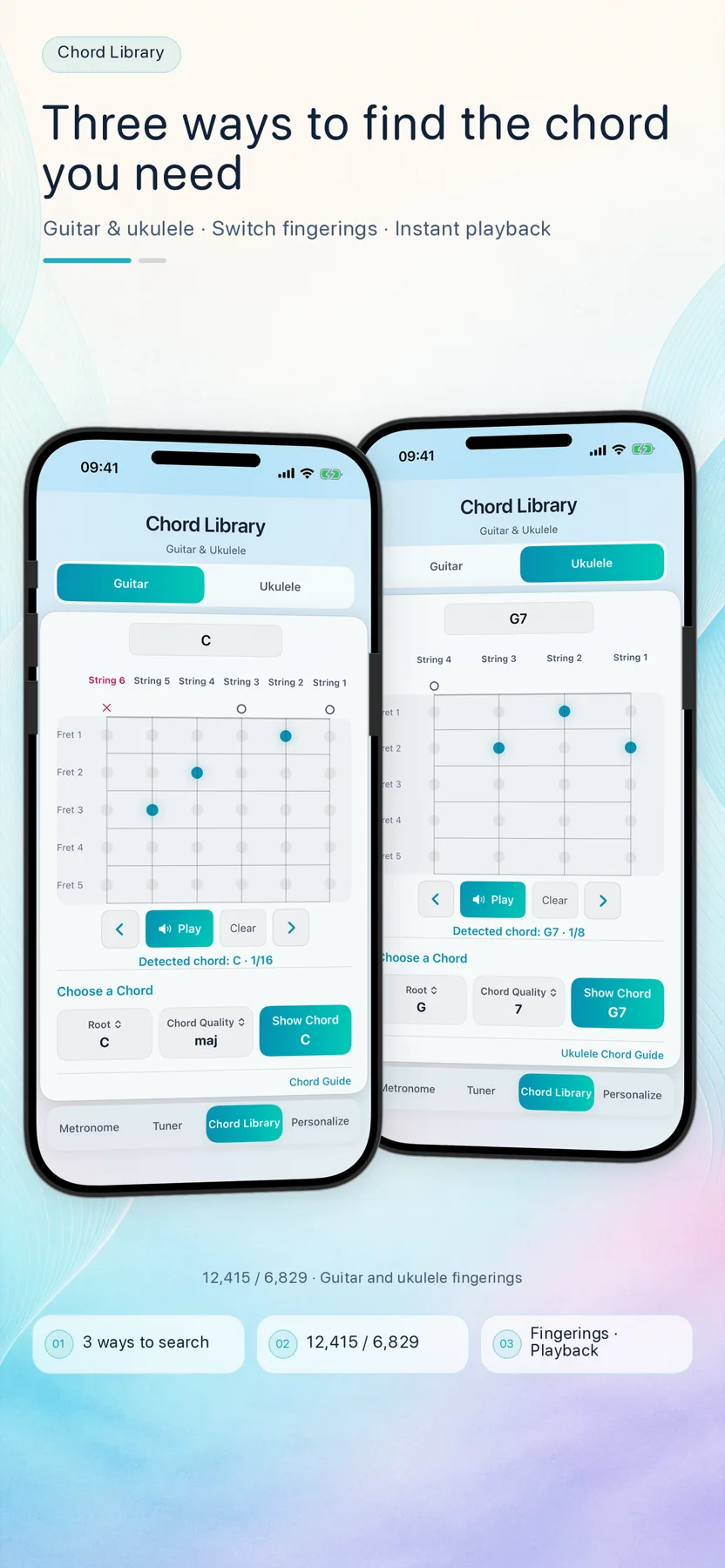
WebP · English UI
Download original ↓WebP · English UI · save & share flow
Download original ↓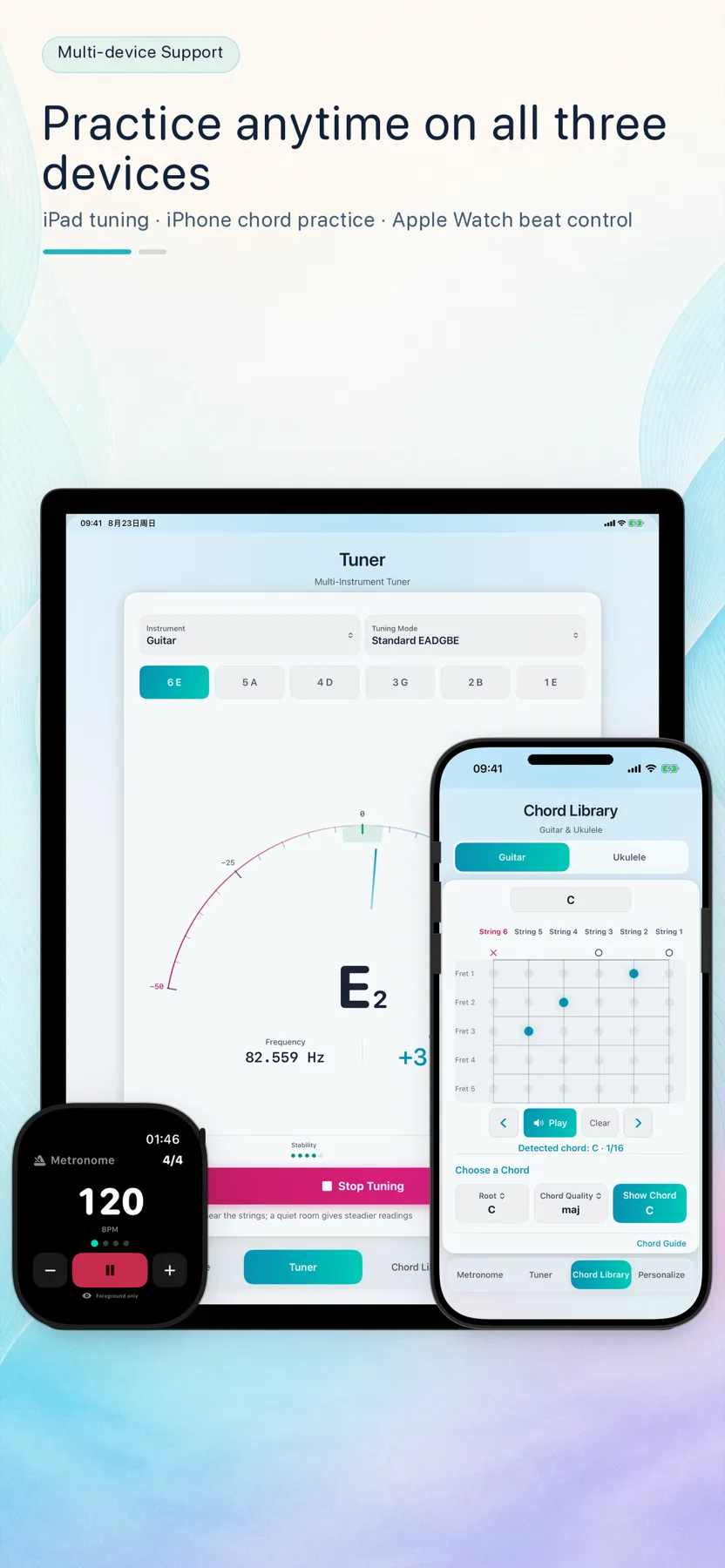
WebP · iPhone, iPad & Watch
Download original ↓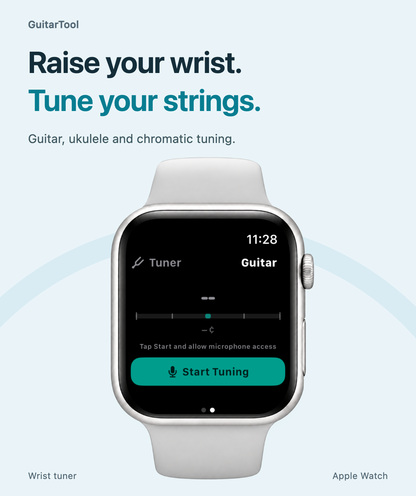
JPEG · 1.1.1 App Store preview · English
Download original ↓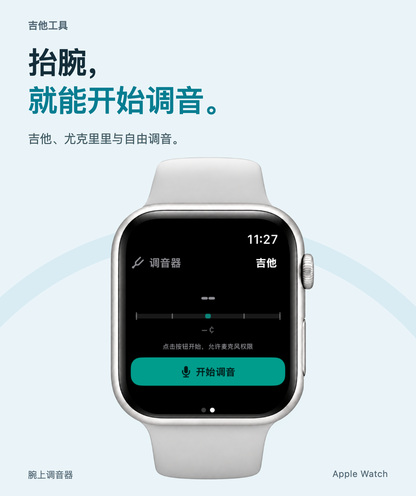
JPEG · 1.1.1 App Store preview · 简体中文
Download original ↓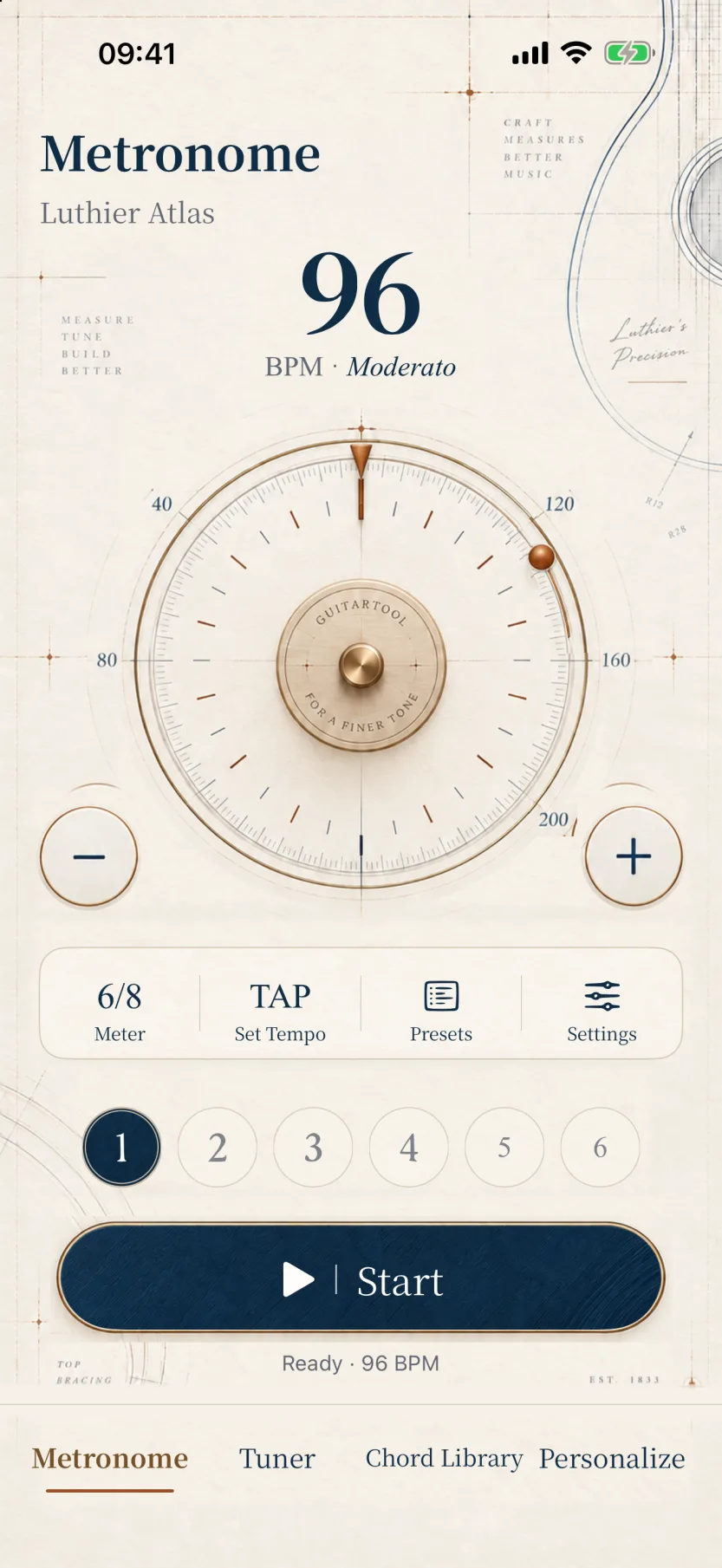
WebP · English UI · version 1.1.0
Download original ↓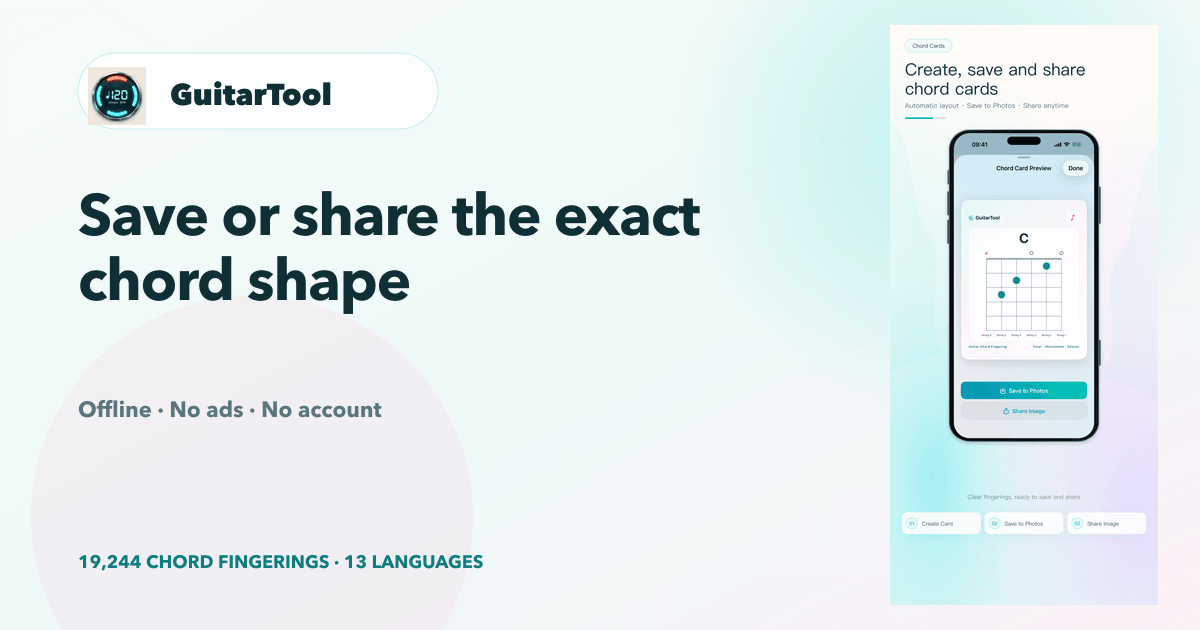
PNG · 1200 × 630 · English
Download original ↓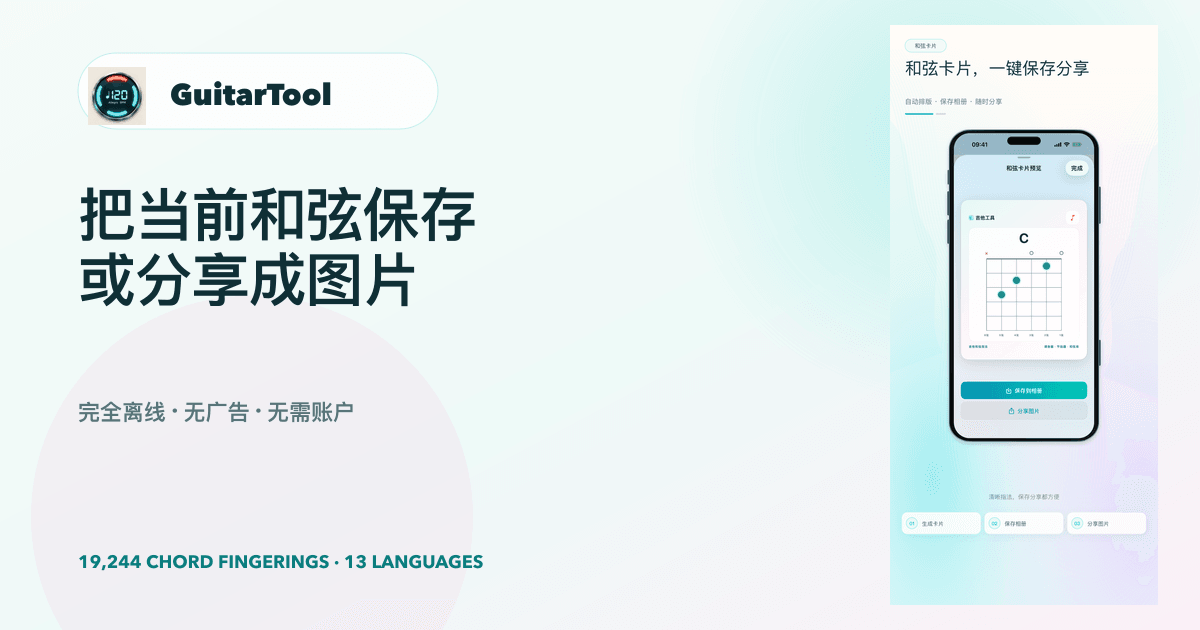
PNG · 1200 × 630 · 简体中文
Download original ↓EVERGREEN CHORD-CARD SOCIAL KIT
Created for the chord-card launch and still accurate for the current product. The ZIP includes landscape, portrait-feed, story and video-thumbnail formats, plus localized captions and landing pages.
FULL INTRODUCTION VIDEOS
Use landscape for articles, desktop landing pages and presentations; use portrait for Shorts, Reels, Stories and mobile-first embeds. Both editions include audio and real product screens from the earlier core-product tour; they do not demonstrate the 1.1.2 training editor, Jade Resonance, or the 1.1.3 voice controls and extra-large portrait widget.
MP4 · H.264 · 854 × 480 · 36 seconds · web edition
Download full video ↓MP4 · H.264 · 480 × 854 · 36 seconds · web edition
Download full video ↓MP4 · H.264 · 854 × 480 · 36 seconds · web edition
Download full video ↓MP4 · H.264 · 480 × 854 · 36 seconds · web edition
Download full video ↓24-SECOND VERTICAL CUTDOWNS
English and Simplified Chinese versions use official localized product screens from the core-product tour. The 886 × 1920 files remain historical candidates only and do not show version 1.1.0's Theme Gallery.
MP4 · H.264 · 1080 × 1920 · 24 seconds
Download social video ↓Download App Preview candidate ↓MP4 · H.264 · 1080 × 1920 · 24 seconds
Download social video ↓Download App Preview candidate ↓EDITORIAL RESOURCES