
ENGINEERING CASE STUDY · WATCH AUDIO
Designing Apple Watch Metronome Audio for Wrist-Down Practice
A musician lowers their wrist precisely when the metronome needs to become less visible. GuitarTool separates audio timing from interface and haptic refresh. Successfully started playback can remain audible on an activated background audio route; the foreground-only speaker fallback stops when the interface becomes inactive.
Core tools free and offline · no ads · opens the metronome product page
- Audio sample-clock timing
- UI and haptics can pause
- Route and interruption recovery
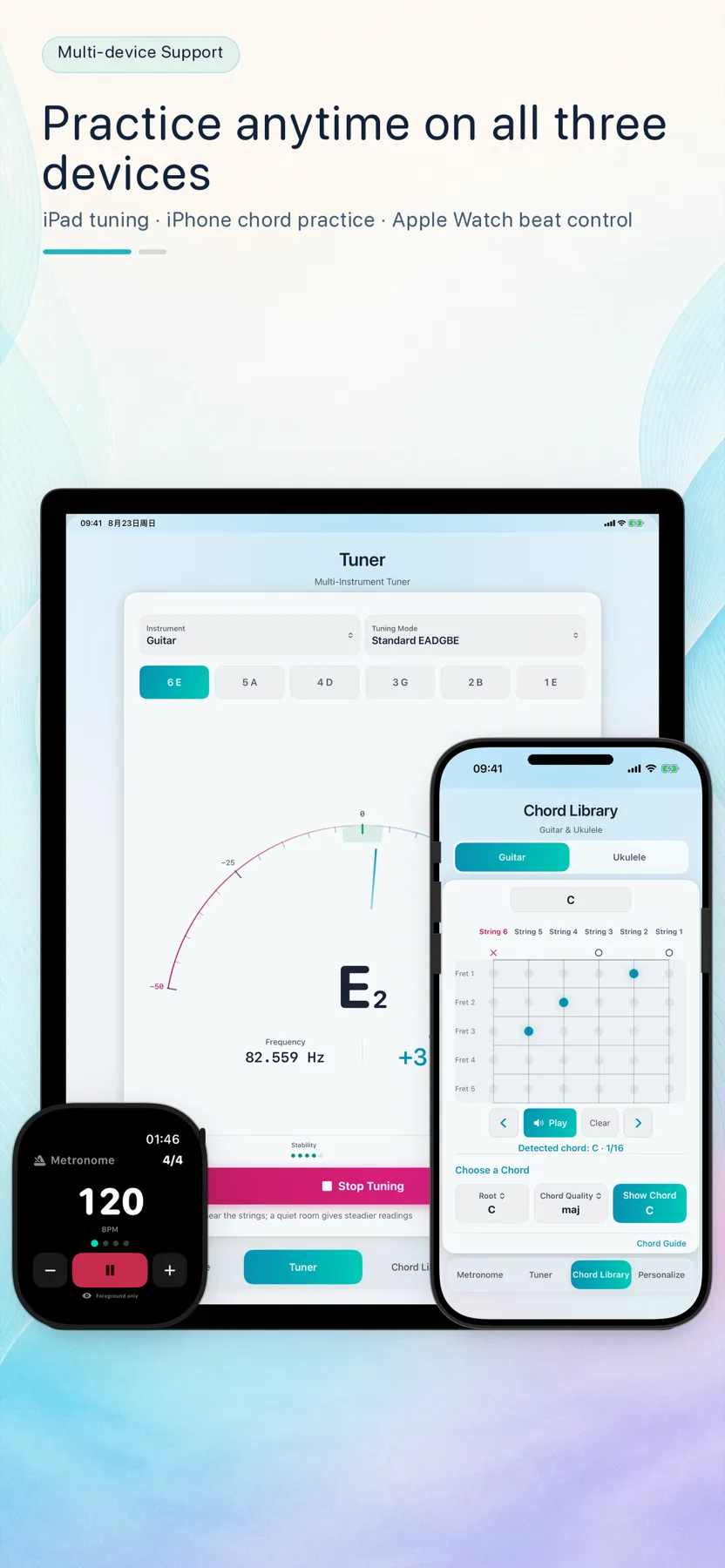
Treat wrist-down as a normal state, not an error
A watch interface becomes inactive when the display dims or the wrist lowers. After playback has started successfully with an activated background audio route, GuitarTool pauses view and haptic refresh while keeping sound running. If background activation is unavailable and the system uses the foreground-only speaker fallback, becoming inactive explicitly stops playback. Returning to the app requires a new Start action.
- Activated background routes support wrist-down playback
- Foreground fallback stops when inactive
- Visual and haptic refresh can pause
Schedule beats on the audio sample clock
The render path uses a 44.1 kHz audio timeline and calculates each beat position in frames. Accent and regular click samples are prepared ahead of time, while the real-time callback advances beat state without allocating new audio voices. At the 500 BPM maximum, the interval remains longer than the short click, so clicks never need to overlap.
- Frame-based beat positions
- Precomputed accent and regular click samples
- A render path designed to avoid real-time allocation
Apply changes at a musical boundary
Tempo or meter changes are armed and applied at the next beat boundary rather than spliced unpredictably into the active buffer. The engine publishes a compact beat position back to the interface, letting the visual layer follow the audio clock instead of becoming the clock itself.
- Configuration changes align to a beat
- The audio engine owns timing
- The interface observes a published position
Recover without replaying stale beats
Audio routes and interruptions can move the hardware timestamp forward. On recovery, the renderer skips historical beat positions instead of firing a burst of delayed clicks. Output and background activation depend on the watch model, system and connected route; older devices may need Bluetooth audio. A pending or failed activation does not establish background playback, and the foreground-only fallback stops when inactive.
- Skip stale beats after route recovery
- React to interruption and route changes
- Describe supported output honestly
One app for the full practice flow
Tune first. Keep time. Find the next chord.
Download GuitarTool free↗FAQ
Common questions
01Why not use the screen timer to drive audio?+
The display lifecycle is allowed to pause when the wrist lowers. Audio timing must therefore live on an audio clock that can continue independently.
02Does background audio mean background haptics continue?+
No. After playback starts successfully on an activated background audio route, sound can continue while interface and haptic refresh pauses. The foreground-only fallback stops sound when inactive too.
03Will every Apple Watch use its built-in speaker?+
No. The active output route depends on the watch model and connected devices; older models may need Bluetooth audio.