
VISUAL METRONOME · REAR-FLASH BEAT
Visual Metronome with iPhone Rear-Flash Beat Cues
When an audible click competes with your instrument, a visible pulse can keep the tempo clear. GuitarTool can mark the main beat with the rear flash on compatible iPhones while the full metronome continues to handle accents, subdivisions and practice presets.
Core tools free and offline · no ads · opens the metronome product page
- All main beats or accents only
- Three intensity levels
- No camera capture
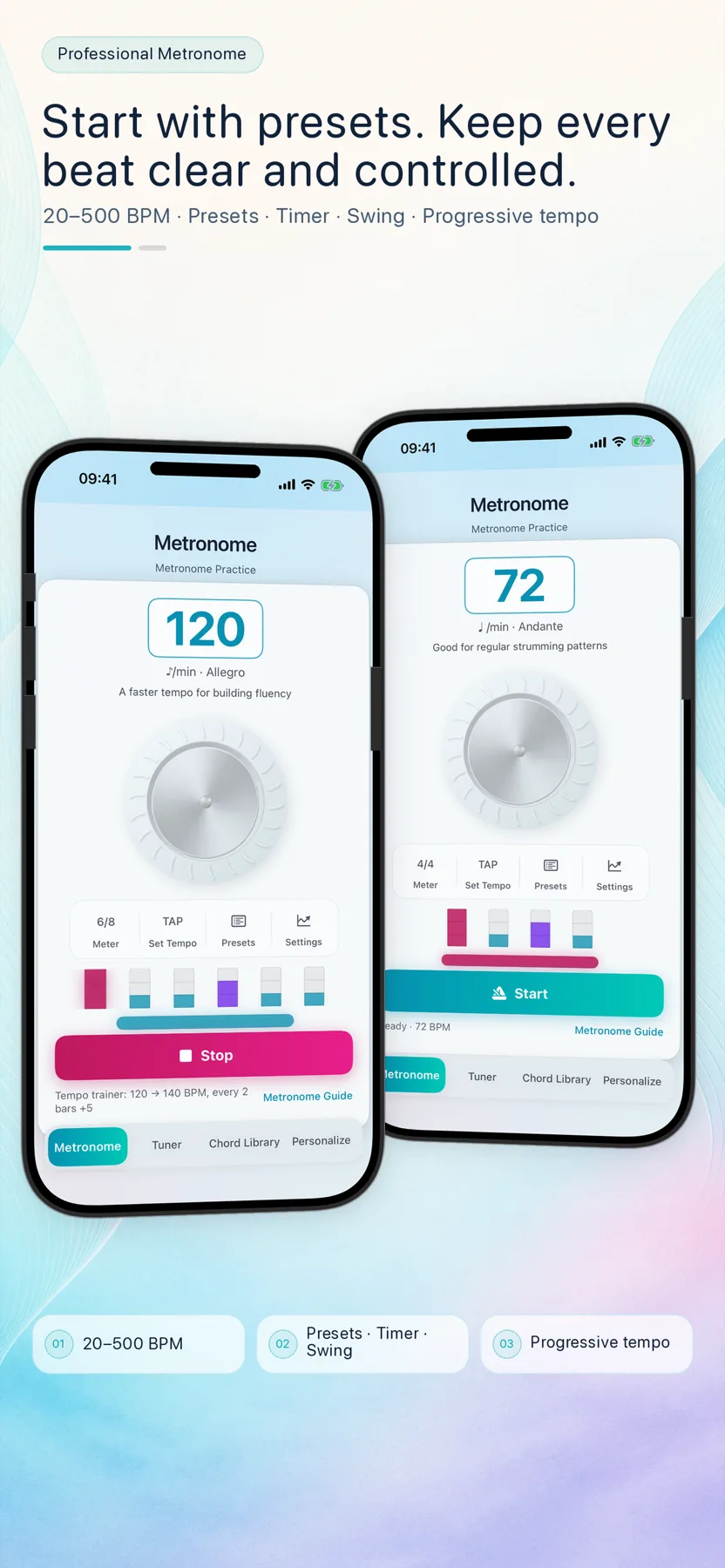
Use a visual pulse when the click is not the best cue
A rear-flash beat can help when the instrument masks the click, when a teacher wants a room-visible count-in, or when you want to reduce audible clutter during a quiet exercise. Choose all main beats for a steady visible pulse, or accents only to make the start and shape of the bar easier to read.
- Useful beside louder acoustic practice
- All main beats for a steady pulse
- Accents only for clearer bar structure
Keep the flash tied to the musical structure
Flash Beat follows the main beats rather than every subdivision. Eighth notes, triplets, sixteenths and Swing remain available in the audio engine, while the rear light stays focused on the larger pulse. The mode and intensity can be retained in a custom practice preset so the same setup is ready next time.
- 20–500 BPM and 1–12 beats per bar
- Audio subdivisions remain independent
- Mode and intensity save with custom presets
Treat a bright repeated light as an optional practice aid
The first-use notice explains strobe sensitivity, battery use and heat. Use the lowest comfortable intensity, point the rear of the phone away from faces, and stop if the light causes discomfort. GuitarTool turns the flash off when playback stops, you leave the metronome or the app enters the background.
- Three intensity levels
- First-use safety notice
- Automatic shutoff on stop, navigation or background
The light is a beat cue, not a camera workflow
Flash Beat does not take photos, record video or analyze the scene. GuitarTool remains an offline practice toolkit with no account, ads, analytics SDK or audio upload. Rear-flash availability depends on compatible iPhone hardware; iPad and Apple Watch continue to provide their own metronome experiences without this camera-light control.
- No image capture
- No account, ads or tracking SDK
- Available only on compatible iPhones
One app for the full practice flow
Tune first. Keep time. Find the next chord.
Download GuitarTool free↗FAQ
Common questions
01Does Flash Beat use the camera?+
No. GuitarTool controls the rear light as a timing cue and does not capture, store or upload photos or video.
02Can the flash mark only accented beats?+
Yes. Choose All Main Beats for every beat in the bar or Accents Only for the beats you have marked as accents.
03Does the flash follow eighth notes or triplets?+
No. It follows main beats only; audio subdivisions and Swing remain separate so the visual cue stays readable.
04Will the light stay on after I stop?+
No. It turns off automatically when playback stops, you leave the metronome or the app enters the background.
05Is rear-flash timing available on iPad or Apple Watch?+
No. Flash Beat requires compatible iPhone rear-flash hardware. iPad and Apple Watch still support their own metronome controls and feedback.